Queue management system · Dubai, UAE

Nobody should have to guess who’s next.

AxisQMS issues the token, holds the line, calls it on every screen in the room, and asks how it went — so your counters run to a plan instead of a crowd.

Serving counters in

  • Healthcare
  • Banking
  • Government
  • Retail
  • Telecom
  • Education
AxisQMSMain hall · Level 1 00:00:00

    Scan to join the queue

    In the queue

    14

    served today 128

    An AxisQMS self-service kiosk on its stand, offering walk-in, cash and appointment tokens
    A visitor rating the service on their phone right after being served
    Scroll

    One queue engine, every kind of counter

    • MED Clinics & hospitals
    • FIN Bank branches
    • GOV Public service centres
    • RET Retail service desks
    • TEL Telecom stores
    • EDU Campus front desks
    • AIR Airport service points

    Trusted by clinics, hospitals, government service centres and banks

    Token generation

    Five ways in. One queue out.

    Paper or paperless, walk-in or booked, at the door or from the car park — every route produces the same token, in the same queue, with the same audit trail.

    Self-service kioskTouch the screen, pick a service, take the ticket. Kiosk
    QR code on the wallPaperless. Scan and the token opens on your own phone. Paperless
    WhatsApp or SMSMessage to join. Get called the same way. Messaging
    Online appointmentBooked earlier; the token is waiting on arrival. Booking
    Reception deskIssued by a person, for visitors who need a hand. Assisted
    Queue · live 00:00:00

    Token issued

    CS104

    via a kiosk

    Service and priority resolved
    Placed in the counter queue
    Pushed to every display and phone

    Core features

    Built for rooms where the queue never stops

    Intelligent routing, omnichannel ticketing and dashboard insights, designed for high-traffic environments.

    Smart routing

    Dynamic prioritisation and skill-based routing cut wait times and keep service fair when the room fills up.

    Kiosk and mobile tickets

    Issue tokens from a kiosk, a QR code on the wall, WhatsApp, or a booking made days earlier. Same queue, every door in.

    Real-time analytics

    Live dashboards and historical reports show where the bottleneck is today and when it is coming back.

    Integrations

    Open REST APIs and SSO, with connectors for the POS, EHR and CRM systems your counters already run on.

    Accessible and multilingual

    Kiosk, mobile and display screens built for large type, high contrast, and English and Arabic side by side.

    Compliance and security

    Enterprise-grade security, role-based access and audit logs — so you can show who called what, and when.

    The product

    Four surfaces, one queue

    The kiosk at the door, the phone in a pocket, the screen on the wall and the console behind the counter. Pick one to see what it does.

    A free-standing AxisQMS self-service kiosk with a portrait touchscreen showing a welcome screen

    Floor stand — the full-height unit for entrances and lobbies. 21″ or 24″ portrait touchscreen on a weighted column, ticket printer optional.

    An AxisQMS table-top kiosk: a portrait touchscreen showing the Get Your Token menu on a short stand with a ticket printer in the base

    Table top — a 21″ screen on a short column with the thermal printer built into the base. Bolts to a counter or sits on its own plate where floor space is tight.

    An AxisQMS desktop kiosk: a compact tilted touchscreen unit with a built-in ticket printer, showing the Get Your Token menu

    Desktop — the compact countertop unit for reception desks and teller windows. Tilted 15″ screen, printer underneath, contactless tap on the bezel.

    Take a ticket, or don’t

    A kiosk for visitors who want to touch something — in three sizes — and a QR code on the wall for everyone else. Both feed the same queue.

    • One wall QR for walk-ins, refreshed automatically
    • Touch check-in, printed ticket optional
    • Your logo, your colours, your services and languages

    Three models — floor stand, table top and desktop — on 15″, 21″ and 24″ touchscreens, or on an Android tablet you already own.

    What changes on the floor

    A shorter wait is the least of it

    The queue was always there. AxisQMS makes it visible — and once it is visible, it can be staffed, measured and fixed.

    01

    People stop guarding their place

    A token on a phone means visitors can sit down, step out for coffee, or fill in a form — instead of standing in a line to protect a position.

    02

    The front desk gets its day back

    “How long is the wait?” is answered by the board. Reception goes back to reception work instead of triaging a room by memory.

    03

    Peaks stop being a surprise

    Every token is a timestamp. After a month you know which hour breaks, which service runs long, and how many counters Tuesday actually needs.

    04

    You hear about a bad visit that day

    The survey fires as the token closes. A low score raises an escalation while the visitor is still in the building, not in a review three weeks later.

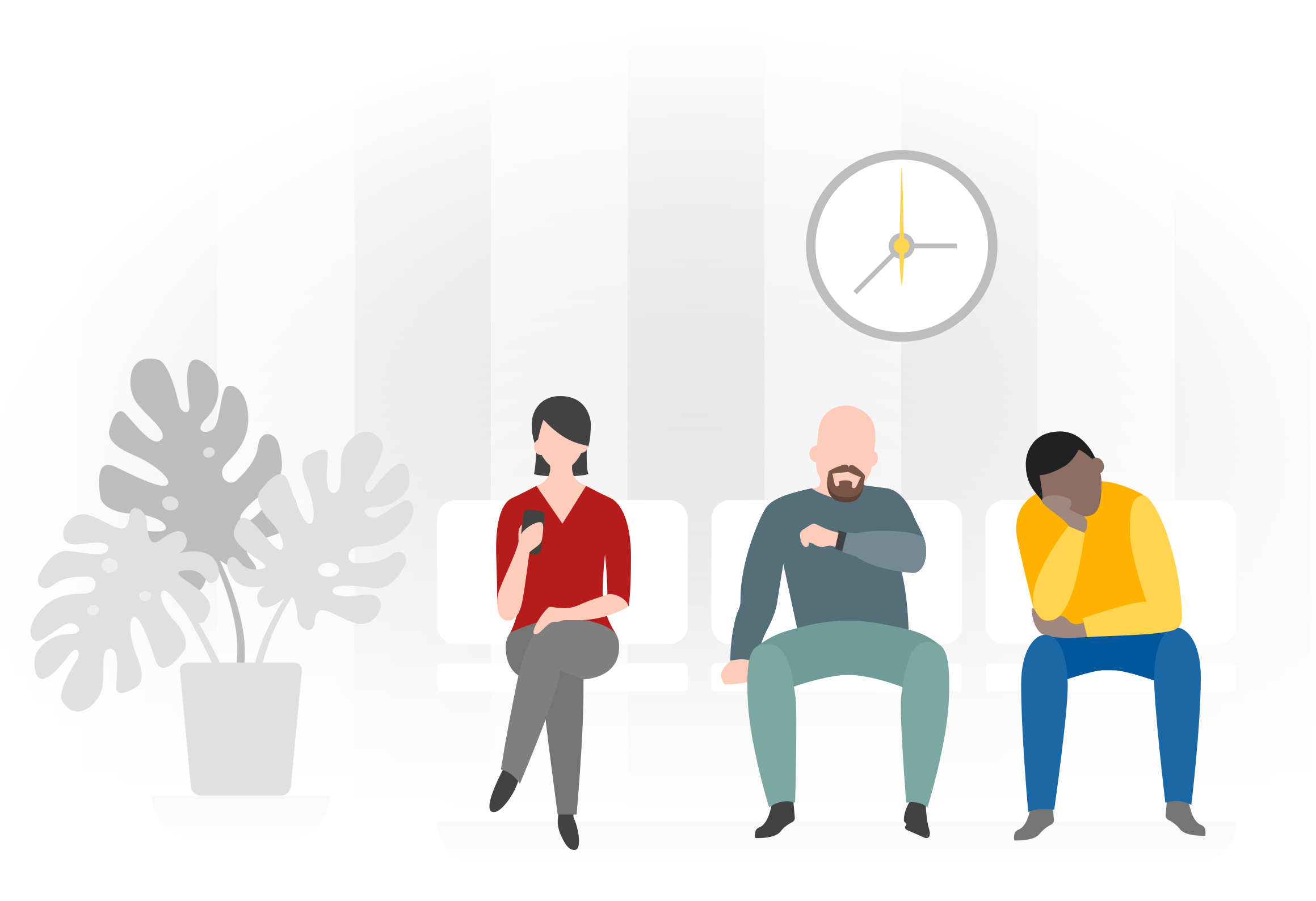
    Five people seated in a waiting area, each reading rather than watching the door

    Seated, not standing

    14 in queue

    The life of a token

    Issued, held, served, scored

    Four states, and a record of every one of them. That record is what the reports are made of.

    Issued

    A token is created

    From a kiosk, a wall QR, WhatsApp, reception, or a booking made last week. The visitor picks the service; the system picks the queue.

    Waiting

    The room can see the line

    The display shows what is being called and where. The phone shows position and an estimate. Staff see the same queue with the load on each counter.

    Served

    Called, closed, counted

    An agent calls the token, serves it and closes it. Wait time, handling time and the counter that did the work all land in the report.

    Scored

    The visitor is asked

    A one-tap survey follows the token. Scores attach to the service, the counter and the agent — and a low one raises an escalation on its own.

    In every deployment

    The whole queue, not just the ticket machine

    Twelve modules that ship together and already know about each other. You are not buying a dozen things that need to be introduced.

    Paper ticketCustomisable printed tickets for visitors who would rather hold something.
    Digital ticketContactless check-in by QR. The token lands on the visitor’s own phone.
    Self-service kioskFloor stand, table top or desktop — 15″, 21″ and 24″ touchscreen dispensers, or any Android tablet you already own.
    AppointmentsOnline booking that arrives as a token, so scheduled and walk-in share one queue.
    SMS & WhatsAppJoin the queue and get called over WhatsApp, SMS or email — no app to install.
    Track queueScan the QR code and follow your place in the queue from your own phone — even from outside the waiting area.
    Surveys & NPSAsk the question the moment service ends, while the experience is still fresh.
    Click & collectA collection queue for prepared orders, with a pickup token and an ETA.
    BackofficeManage staff, services, counters and data from any browser.
    Counter appCall next, transfer, park and close — the screen your agents actually work in.
    Signage playerDrive any TV with a browser. Templates, media panels and your own branding.
    AnalyticsService levels, throughput and trend analysis across every counter, branch and region.

    Customer feedback

    Ask while they still remember

    The survey fires as the token closes, on the kiosk, the phone or a tablet at the desk. Every answer is stitched to the service, the counter and the person who served it.

    Try it — how likely are you to recommend us?

    Pick a score to see how AxisQMS files it.

    A bilingual survey screen asking how likely you are to recommend, with a ten-point smiley scale in English and Arabic
    The question, in both languages
    The AxisQMS survey builder with welcome screen, question, logic, language and response style options
    Build it without a developer
    The Net Promoter Score dashboard showing 60 percent NPS with detractor, passive and promoter breakdowns by region, location, branch, desk and staff
    Score by region, branch, desk and staff

    Explore the feedback system

    0+

    Years building

    Direct Axis Technology has shipped business software since 2013.

    0+

    Clients served

    Across healthcare, retail, banking, government and education.

    0+

    Projects worldwide

    Delivered from Dubai, deployed across the region and beyond.

    0 modules

    In the box

    Ticketing, displays, messaging, surveys and analytics, together.

    The company behind it

    Direct Axis Technology LLC

    “Transforming ideas into tomorrow’s tech.” We build custom cloud software from Dubai — ERP, HRMS, CRM and queue management — and AxisQMS is the product we built for everyone who runs a counter.

    Company
    Direct Axis Technology LLC
    Office
    Al Qusais, Dubai, United Arab Emirates
    Also builds
    Acodax ERP · AxisPro · Cheque Eazy · Smart Pro · RateInfo
    12+Years of experience
    3000+Satisfied clients
    25+Projects worldwide
    8Products shipped

    Book a slot

    See your own waiting room on the board

    Tell us the service points you run and we will walk through the setup on a call — kiosk, phone, wall display, console and survey, using your services and your token prefixes.

    • A 30-minute walkthrough, not a slide deck
    • Deployment usually runs two to six weeks
    • We reply within one business day

    Or message us on WhatsApp

    Prefer the long form? Contact sales